Adding a stakeholder
Adding a stakeholder is convenient as it is possible to do anywhere in the system. Every Lobster page has a blue circle with a plus sign on it in the top right corner.
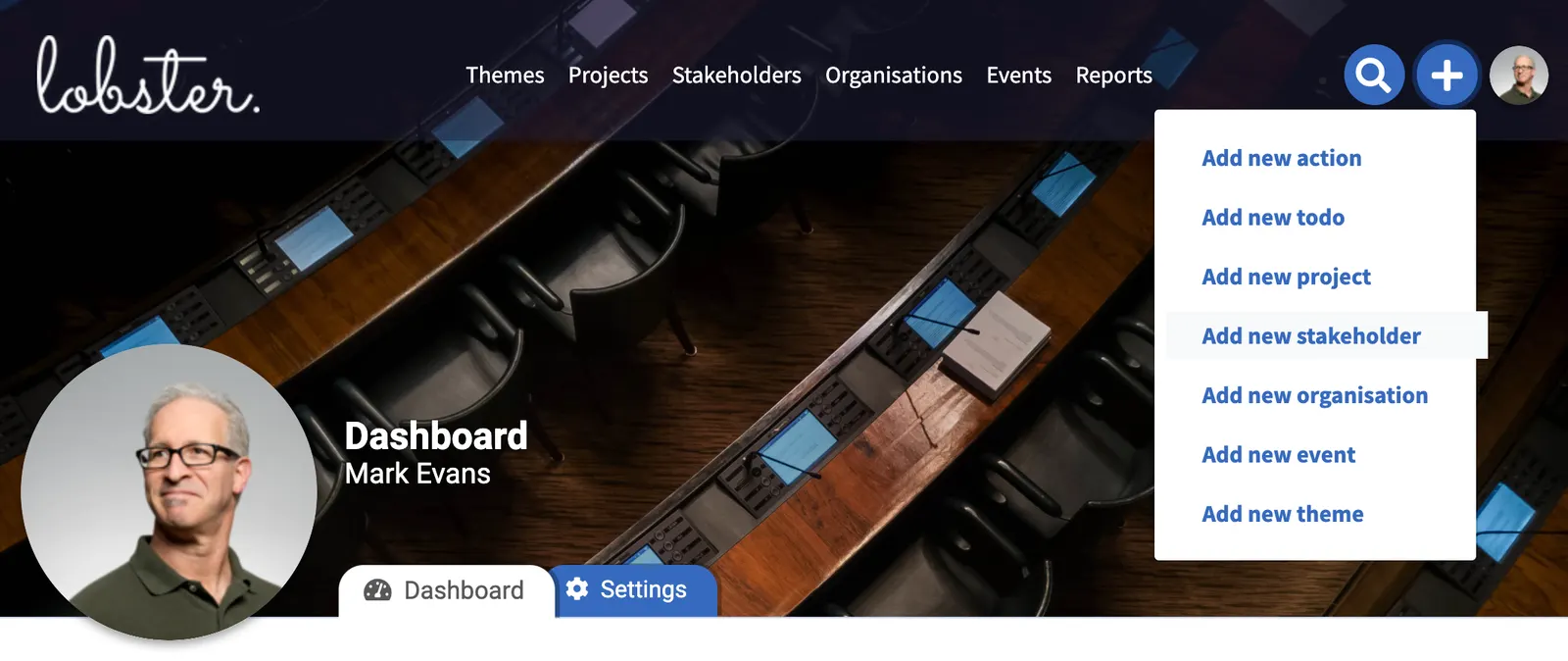
After clicking the plus sign and choosing Add new stakeholder the process of adding new stakeholders gets going.
The first step is to add the first name and last name of the stakeholder being added. Both of these fields are the only mandatory fields for a stakeholder.

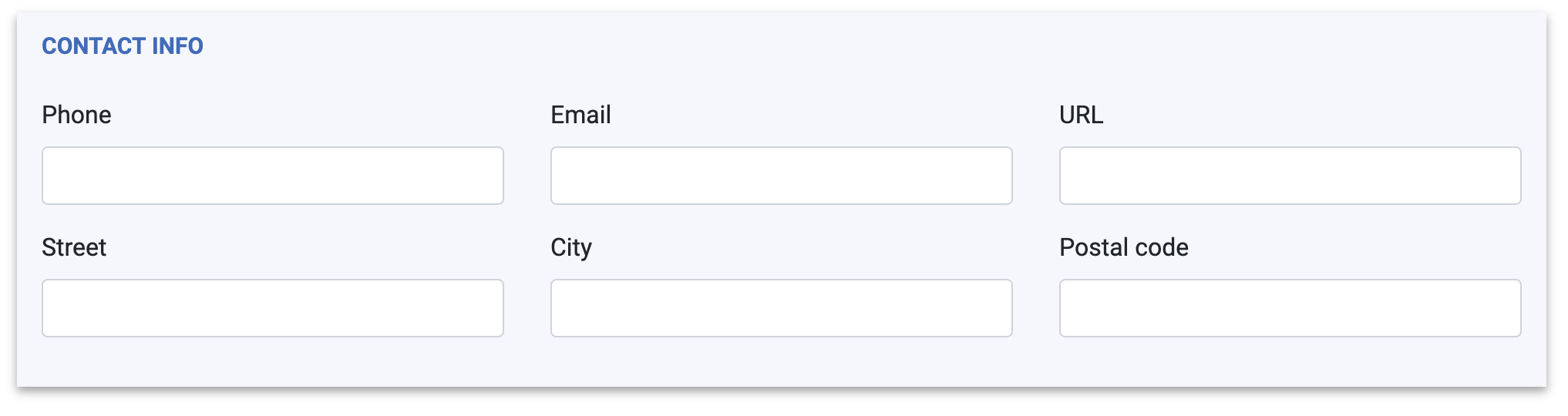
The second piece of information asked to provide is contact info. It is possible to provide a phone number, email address, website URL, street address, city and postal code. All of the fields are optional so it is possible to fill one or more or leave all the fields empty.
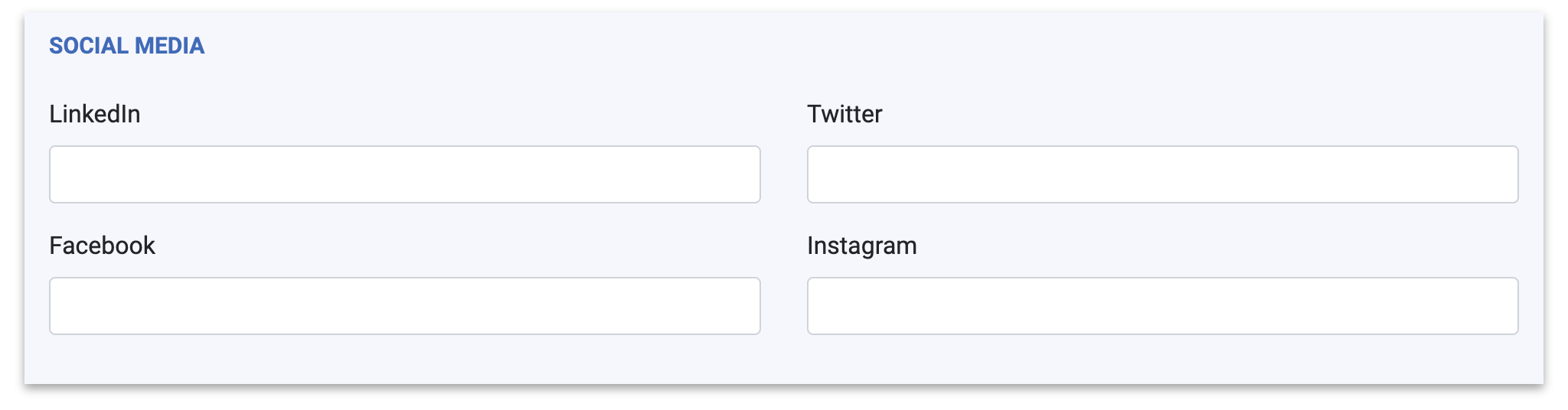
Social media details are also optional. LinkedIn, Twitter, Facebook and Instagram URL are meant to facilitate access to a stakeholder's social media accounts. It is a convenient way to get an insight into a stakeholder's social media behaviour and statements.
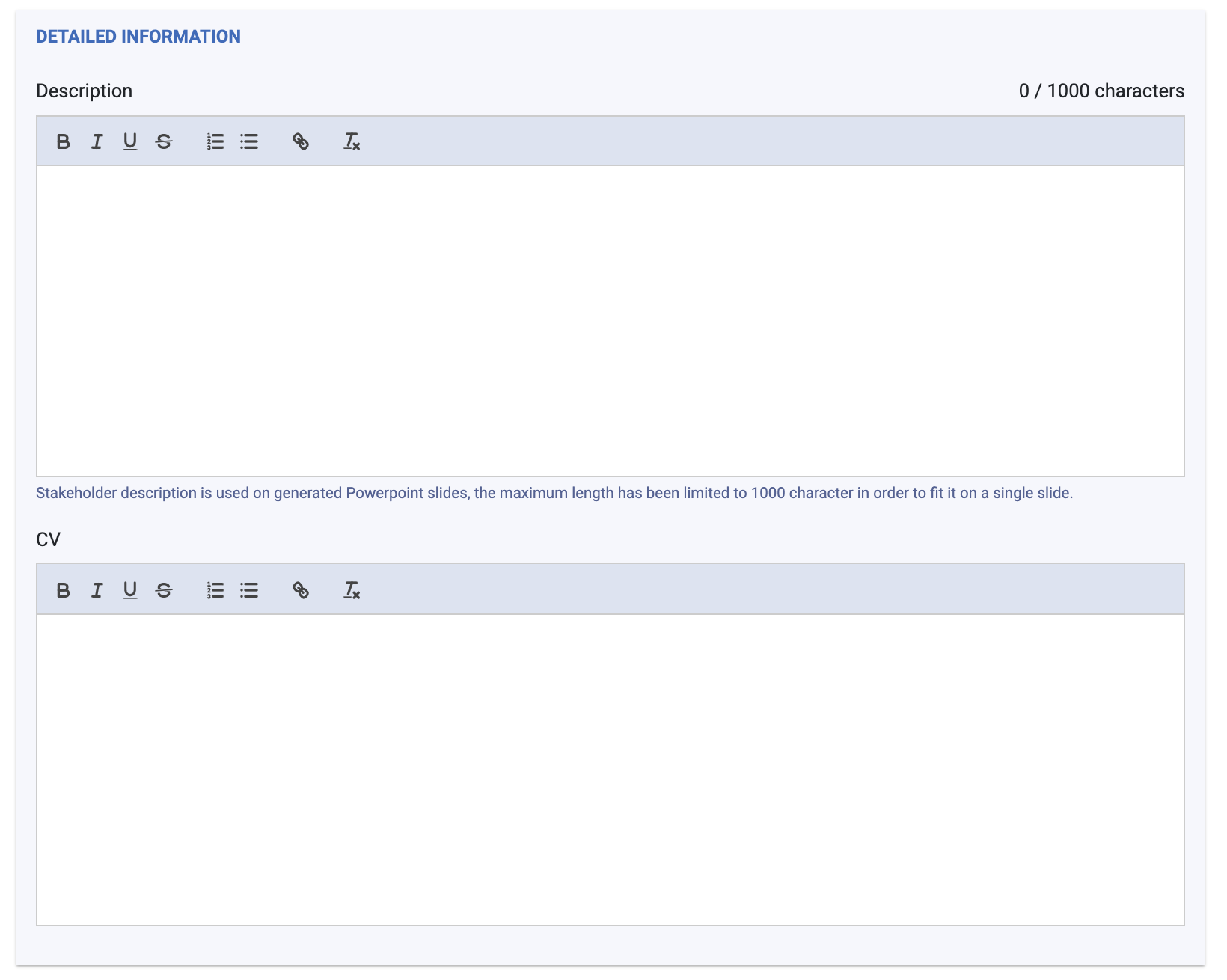
Detailed information has maybe the two most important fields of a stakeholder's profile: Description and CV.
The description field is meant for an overview of the stakeholder's background and current positions. As an example, please see a view from Lobster's Brussels Master Data: example of a stakeholder's view.
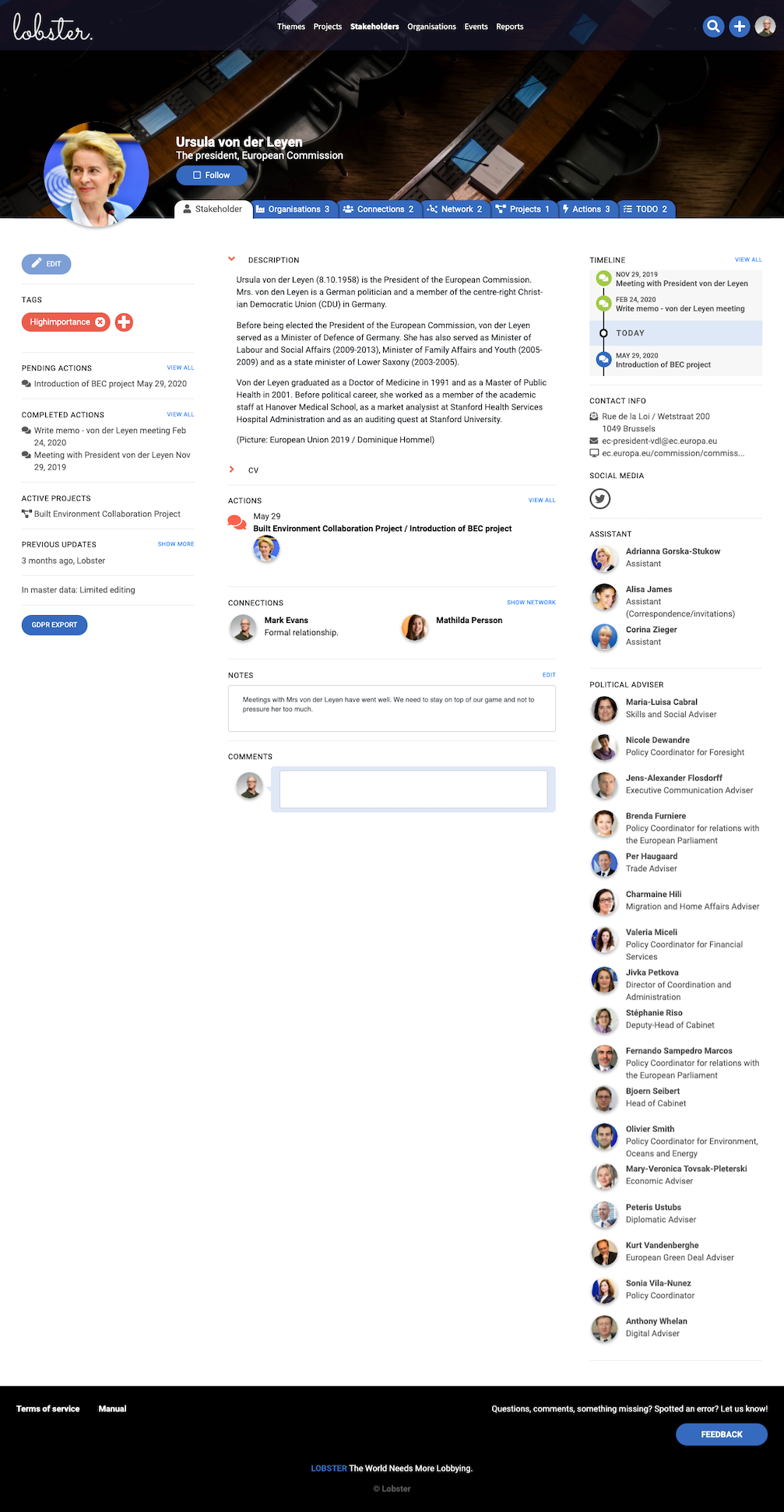
CV, on the other hand, can facilitate the curriculum vitae or, in other words, a written overview of a stakeholder's life's work.
After adding all the required and optional information the new stakeholder and related information are saved by clicking Save on the right bottom corner of the page.
The Save and Undo buttons float on the bottom right corner when the form is scrolled.
As a next step, add the stakeholder to organisations: Read more…