Adding connections between stakeholders
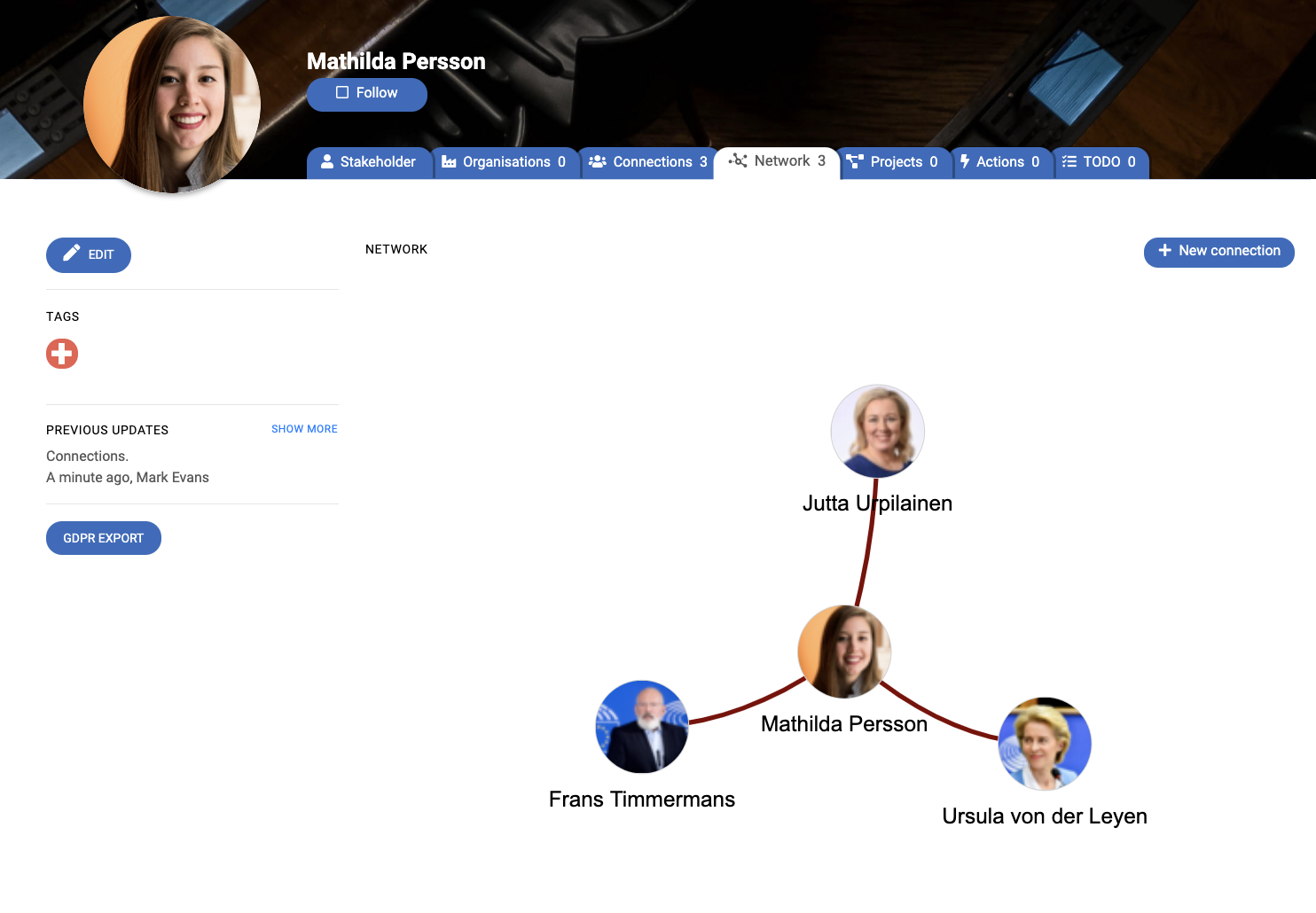
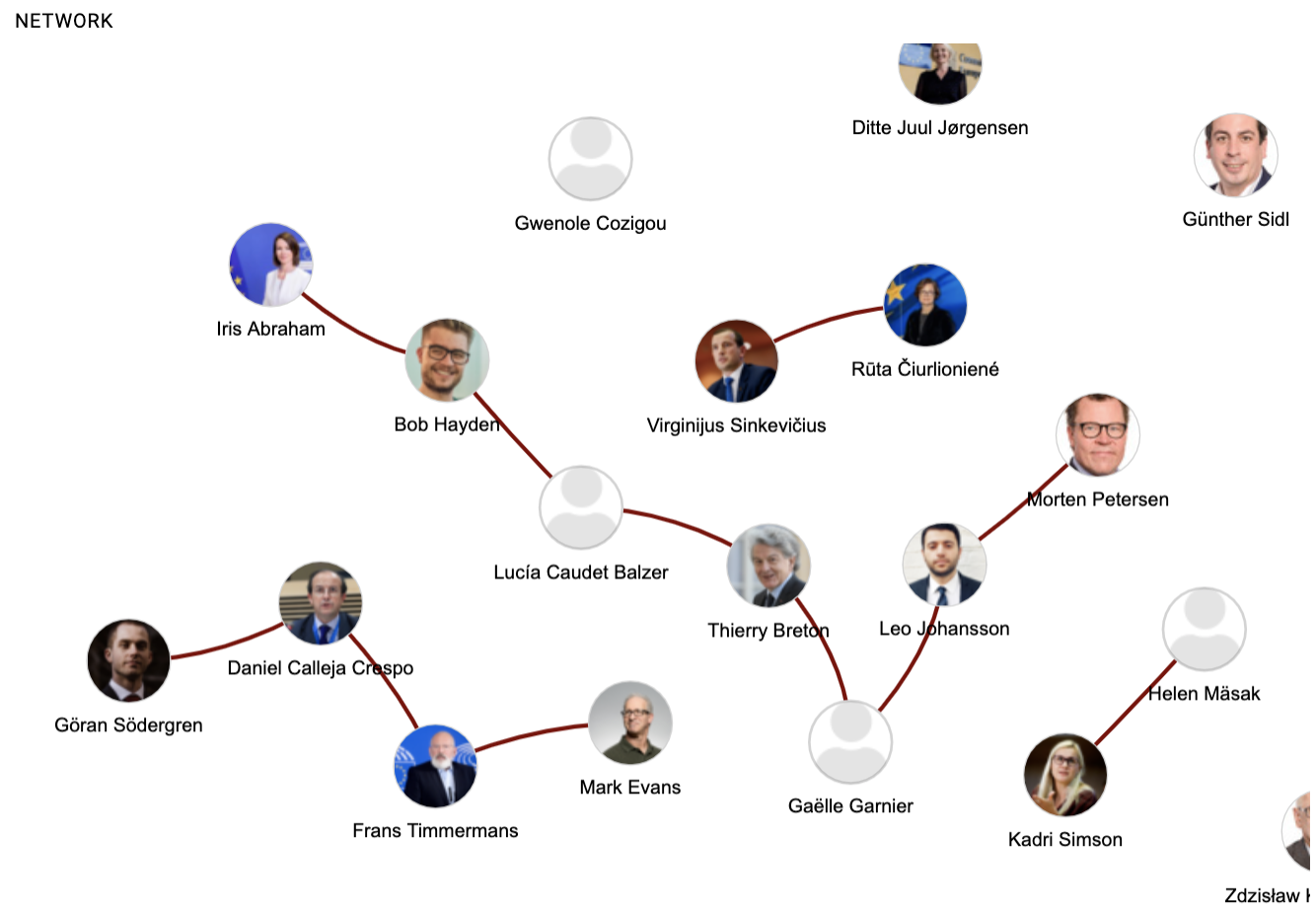
Lobster has a feature to illustrate connections between stakeholders. This can be useful, for example, when there is a need to see if a Lobster user is well enough connected to the key players in her field, or there is a need to illustrate to a client or a board member the connections of a politician or government official.
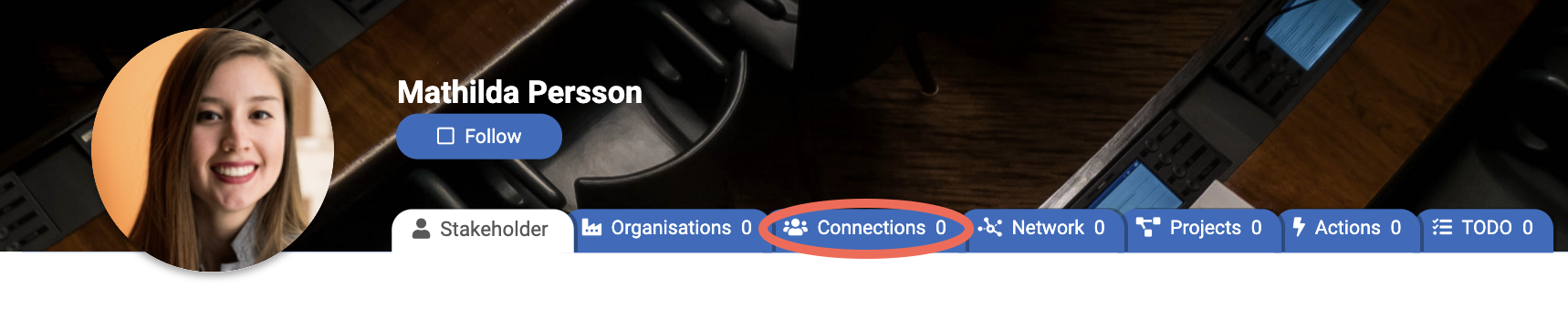
Adding connections for a stakeholder begins by navigating to the stakeholder's profile and clicking the Connections tab.

On the right-hand side of the page, there is a button + New connection. Clicking the button opens a page with a stakeholder picker for choosing connections.
Stakeholders are searchable with open text search which searches both from stakeholder name and other information and organisations. It is also possible to limit the search with tags. So, it is possible, for example, to search for Swedish members of the ITRE committee at the European Parliament. Or simply by typing the name of the desired connection.
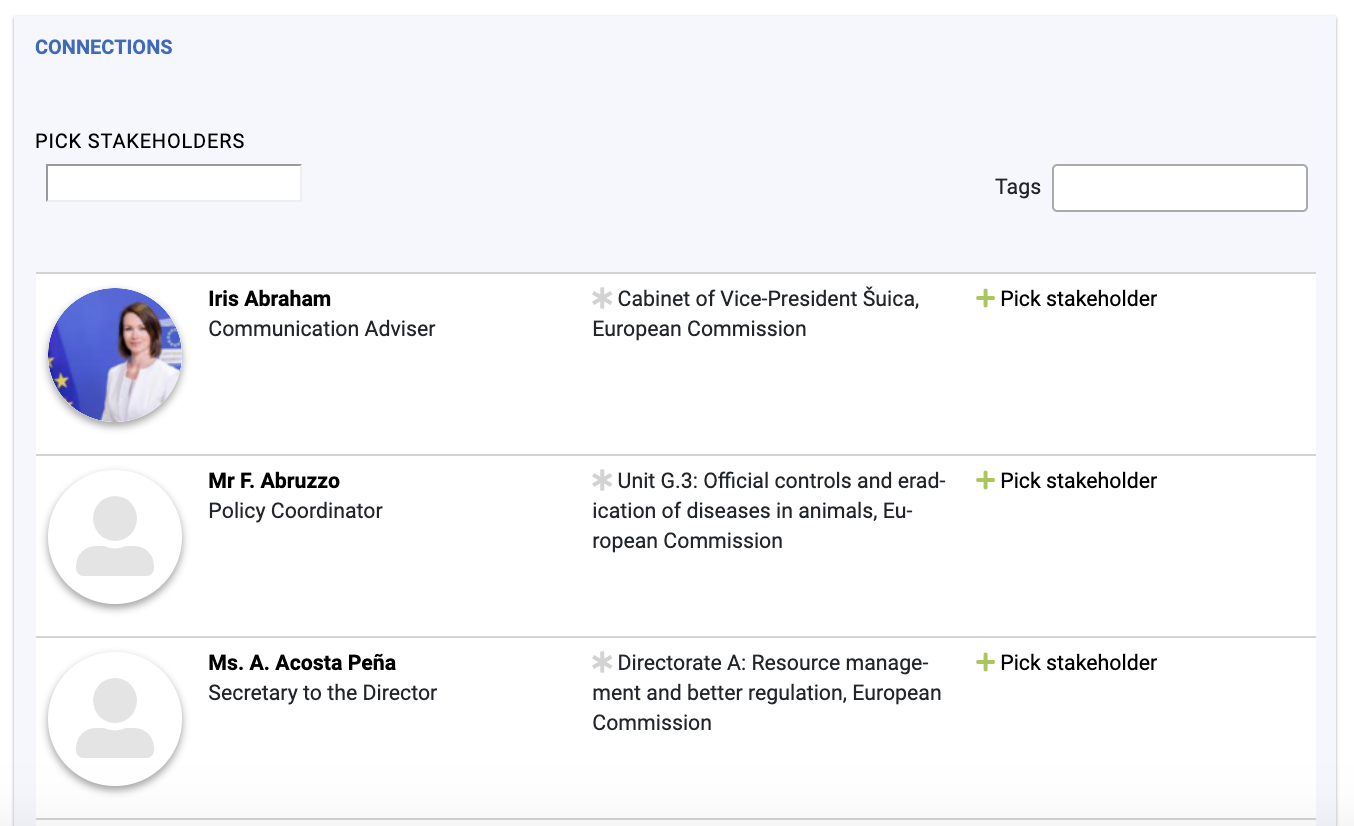
Stakeholders are browsable with < Previous and Next > buttons on the bottom-right corner.
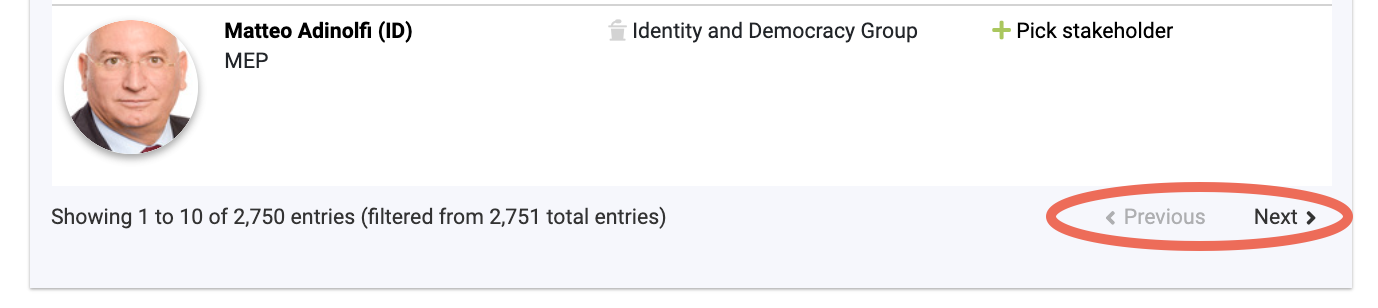
After searching, for example, for European Commission's President Ursula von der Leyen, the connection between stakeholders is initiated by clicking the + Pick stakeholder text to the right of the stakeholder's picture and name.
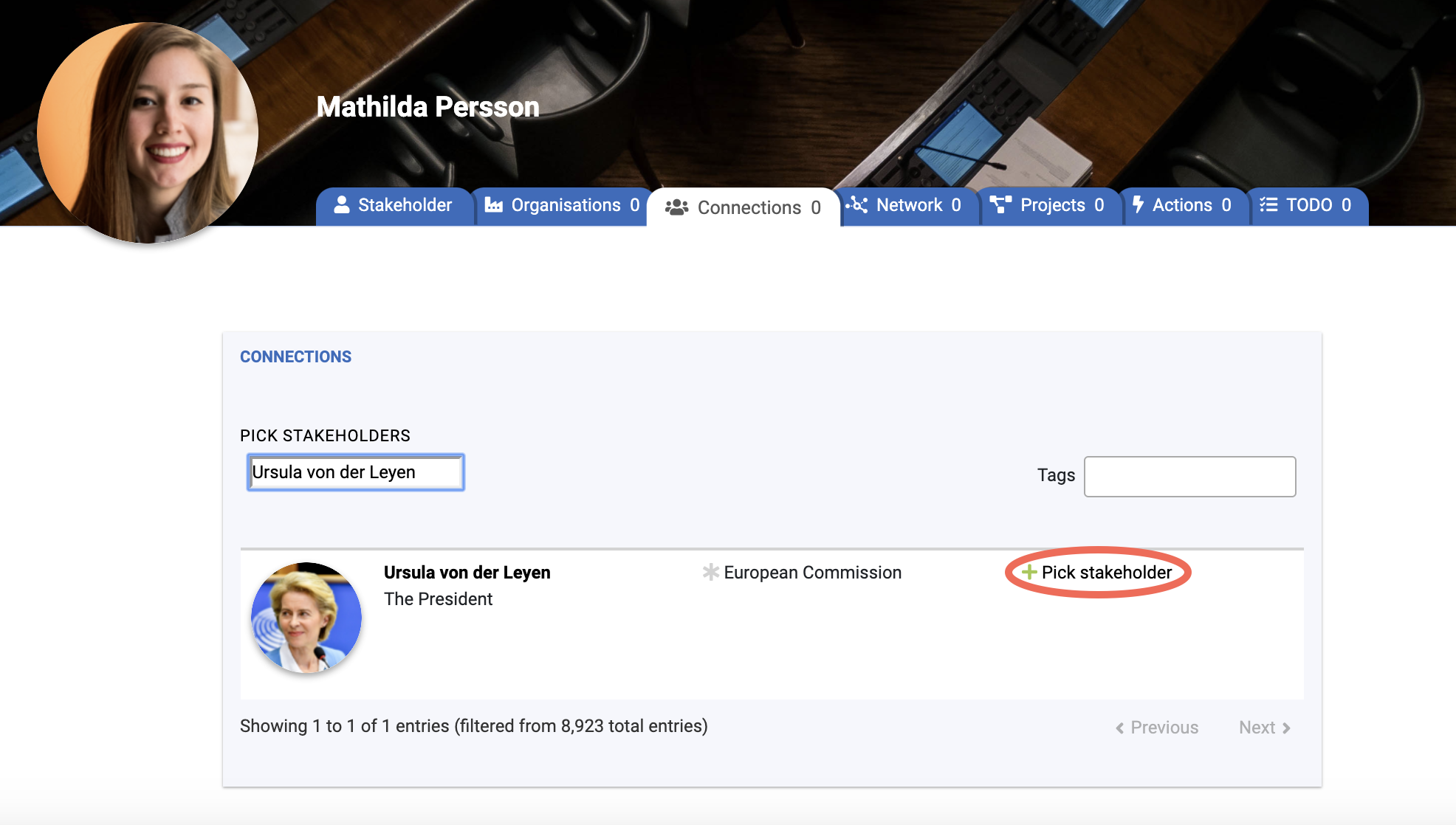
After clicking the link the stakeholder moves up in the view and three options appear under the stakeholder's name, position, organisation and picture.
- Other, which refers to a mutual connection between two stakeholders; these are shown on stakeholder maps. It is possible to describe the connection, for example, a common hobby.
- Assistant, which refers to a situation where the stakeholder being connected is an assistant for the stakeholder being edited. It is a good idea to write a comment if, for example, all meeting requests should be directed to the assistant.
- Political advisers for stakeholders that have them, for example, a special advisor for a minister or a commissioner. The connection is one way and the stakeholder being connected is a political adviser for the stakeholder being edited.
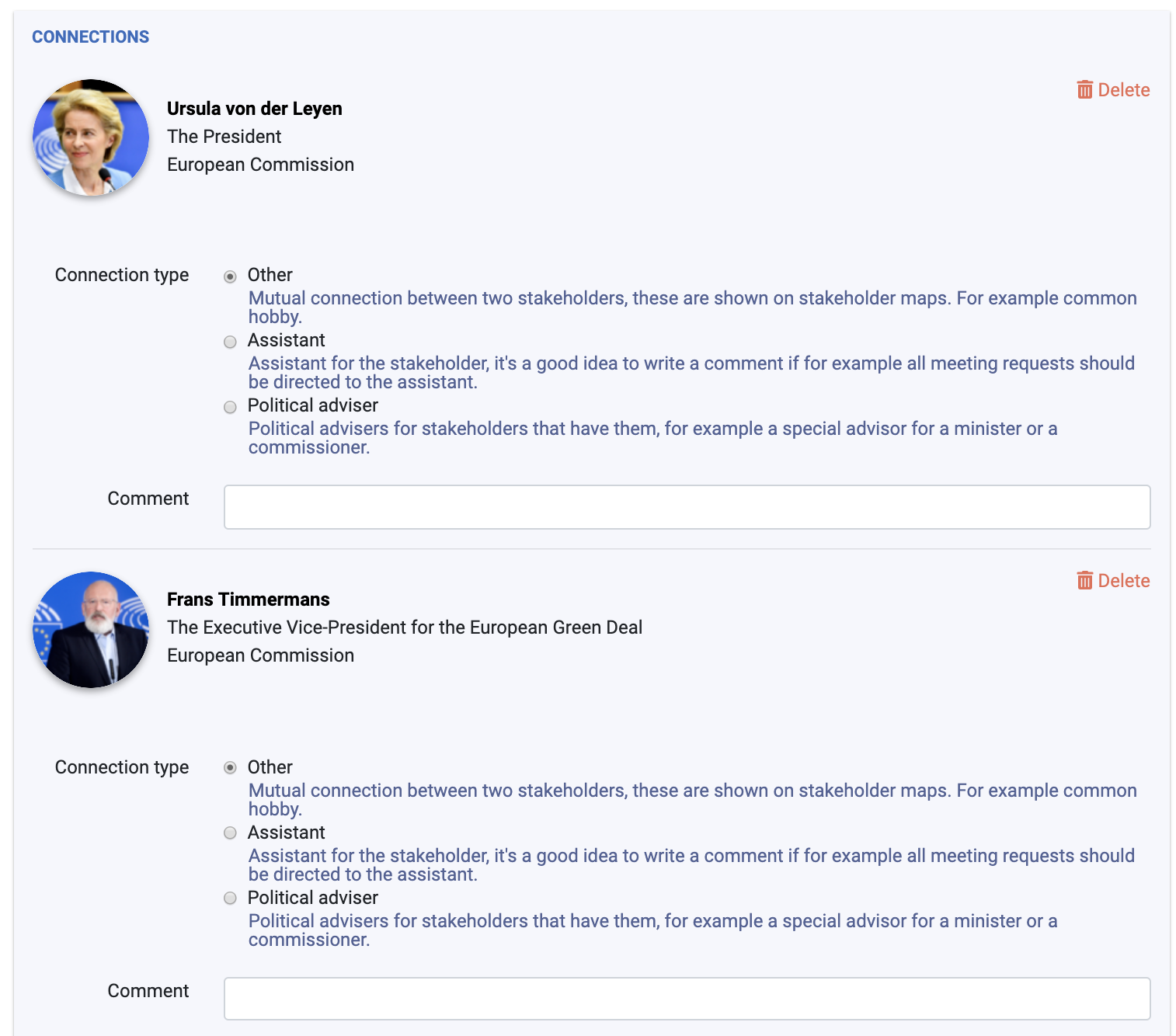
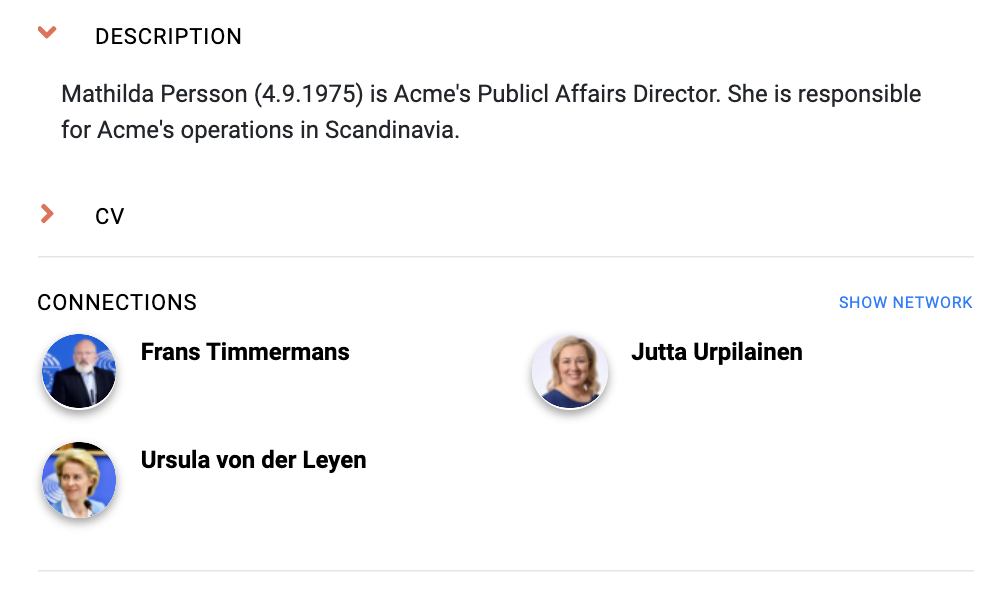
After saving the added connections with the Save button on the bottom-right corner of the page, connections are visible in different places. For example, in the stakeholder's main profile view and Connections tab, and on both the project and theme Connections tab.