Adding organisations to a project
Organisations are vital for lobbyists as stakeholders get their mandate to, for example, draft legislation by their position in a given organisation. Lobster has a ready-made database of organisations and organisation structures.
The database and additions to it give the possibility to easily add organisations to projects. This article describes the way organisations can be added to projects.
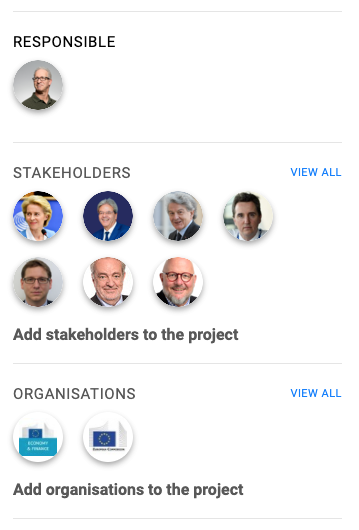
The first way to add an organisation to a project is from the project’s main view. On the main view’s right-hand side column, the fourth box illustrates organisations already selected to the project. Please see, the picture on the right.
On the Organisations box, there is a link Add organisation to the project. Clicking the box opens a page with a form that has Organisation picker on it.
Organisation picker gives a possibility to search from the organisation database with a free text field PICK ORGANISATIONS. Tags field is used to narrow down the number of organisations being searched from.
For example, it is possible to narrow down the search with tag Sweden and search for social democratic party. See the picture below.
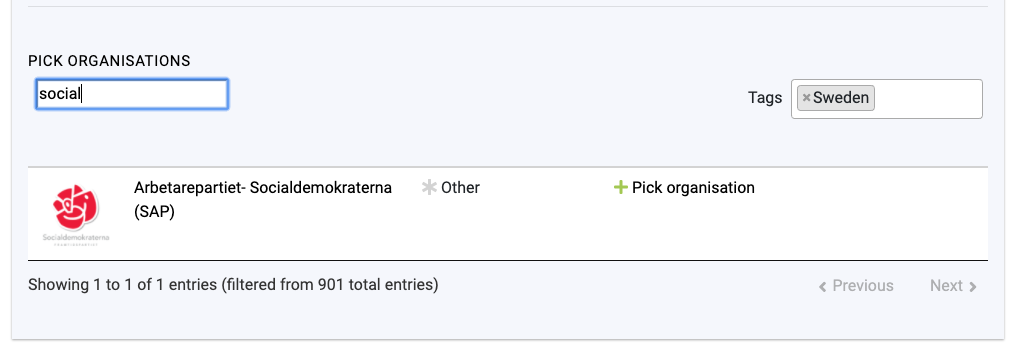
After finding the right organisation or organisations, they are added to the project by clicking + Pick stakeholder link to the right from the stakeholder’s organisation. It is possible to pick multiple organisations at once, just by continuing the search and picking the organisations.
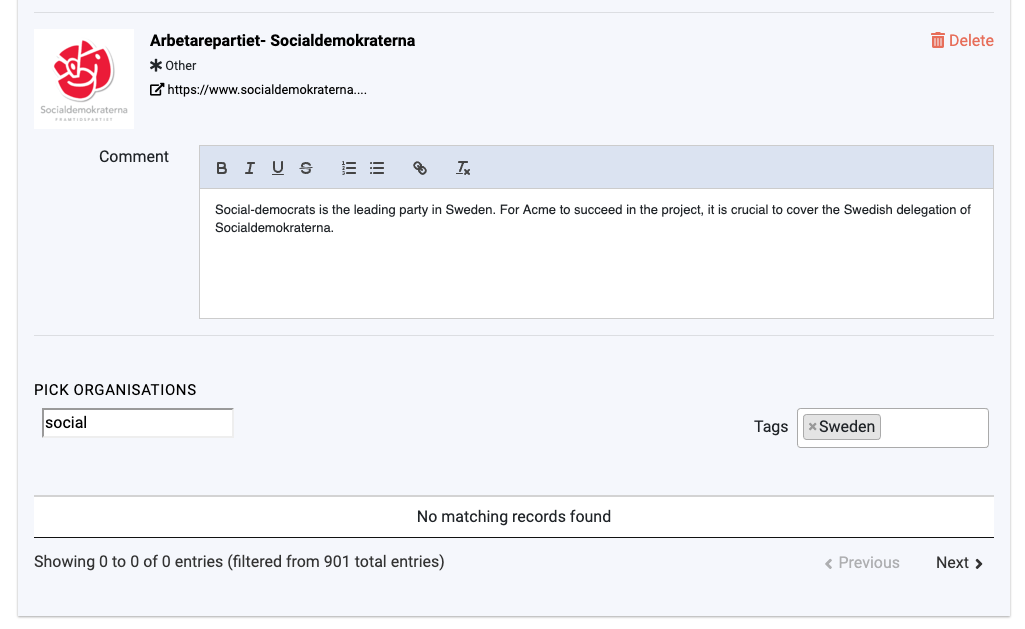
Each of the organisation can have a project related comment. This comment is available for later evaluation on the project organisation tab. The comment is meant to facilitate, for example, information why the organisation is relevant for the project or project-related background information on the organisation and its operating methods or models.

After selecting the wanted stakeholders, remember to click Save on the right-hand bottom corner of the page.